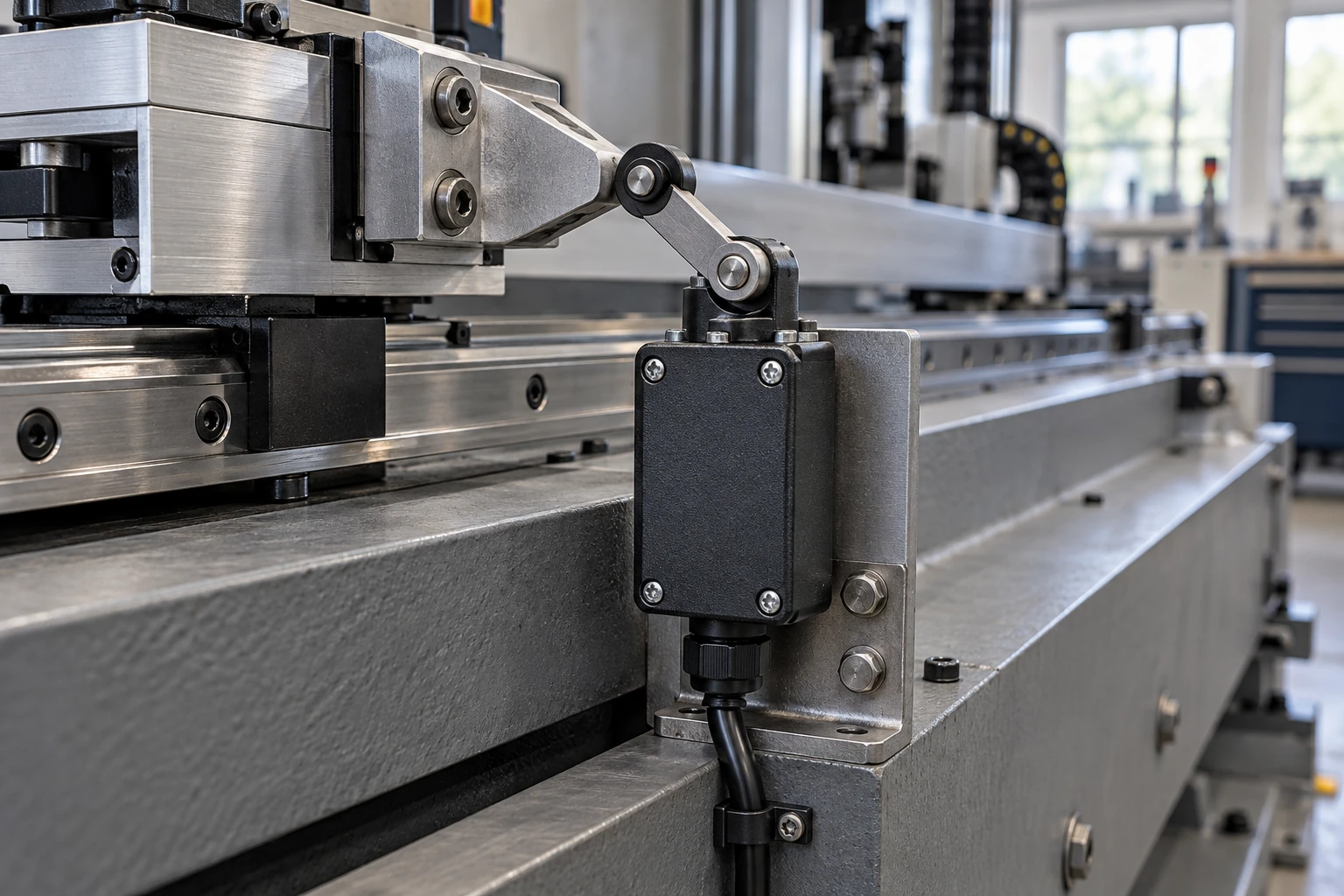
CNC limit switches detect axis positions for homing and travel limits. Choose a mechanical switch when a cam can press it reliably, or an inductive sensor for non-contact metal detection. Reliable performance depends on matching your enclosure rating, controller interface, and mounting layout. This guide covers how to select, wire, mount, and test your switches before cutting.
What CNC Limit Switches Do
Limit switches signal the controller when an axis reaches a specific point:
- Home switches establish the machine’s coordinate reference point.
- Travel-limit switches stop the axis at the end of its allowed travel (sometimes one switch handles both roles).
- What they are not: They differ from software soft limits and physical hard stops, and standard limit inputs cannot replace an emergency-stop system.
Which Sensors Work for CNC Homing and Travel Limits
Both mechanical limit switches (physical contact) and inductive proximity sensors (non-contact magnetic field) work well for CNC axes.
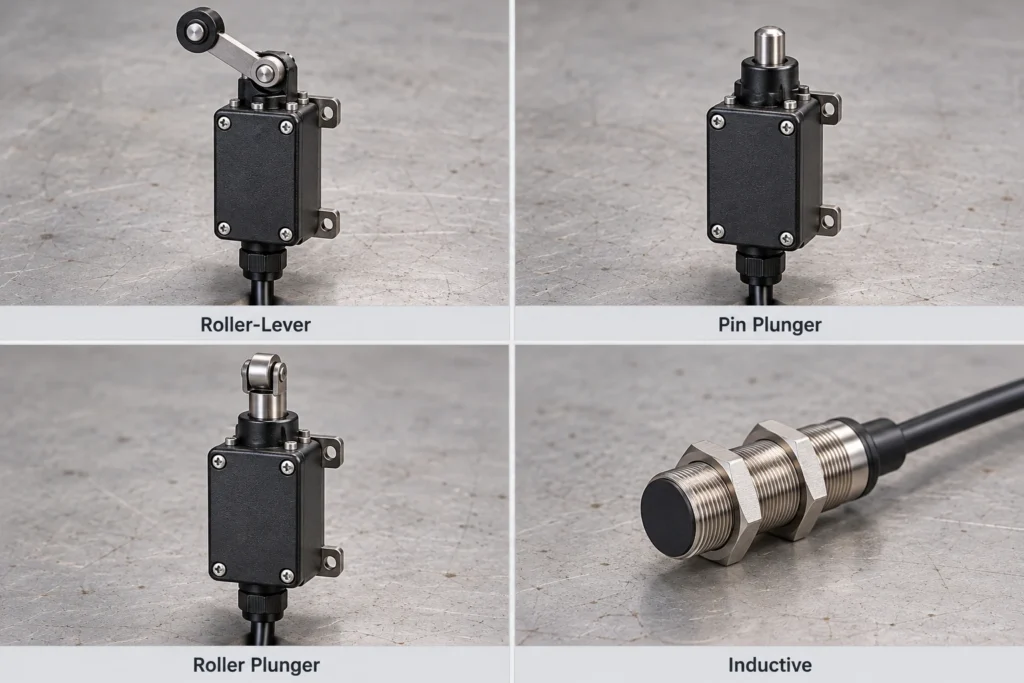
Mechanical Roller-Lever Switches
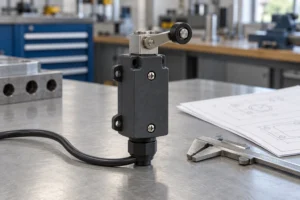
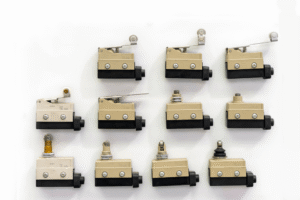
These switches work best when a shaped cam glides past a roller with enough room for lever movement. Avoid sharp impacts or paths that jam the lever. The XZ8 series offers multiple actuator styles. Always verify the datasheet for enclosure ratings, dimensions, and electrical specs.
Mechanical Plunger Switches
Plunger switches fit compact spaces with straight-on actuation. Use a pin plunger for direct presses to avoid side loading, and a roller plunger for passing cams. Ensure the stroke triggers the switch reliably without exceeding its safe overtravel distance.
Inductive Proximity Sensors
Inductive sensors help avoid mechanical wear. Target material and size directly affect the sensing range, so select a sensor matched to your actual target and leave enough clearance to prevent crashes. As shown in our limit switch comparison, neither type automatically guarantees better repeatability.
| Sensing Option | Suitable CNC Setup | Mounting Check | Controller Check |
| Roller-lever switch | Passing cam with lever room | Approach angle & clearance | Contact logic & minimum load |
| Plunger switch | Compact, direct actuator path | Alignment & allowed stroke | Contact logic & minimum load |
| Inductive sensor | Metal target with stable gap | Target metal, gap & clearance | Supply voltage & NPN/PNP output |
Check CNC Controller Compatibility
Match the switch output to your controller input before buying:
- Mechanical switches: Contacts simply open or close a circuit. Verify whether your controller needs Normally Open (NO) or Normally Closed (NC) wiring, and check both minimum and maximum current ratings. Heavy-duty contacts may fail on low-current electronic inputs.
- Inductive sensors (3-wire): Match your controller to NPN (switches to 0 V) or PNP (outputs positive voltage). Never wire a higher-voltage sensor into a lower-voltage input unless the manual allows it.
What IP Rating Does a CNC Limit Switch Need
Start with at least IP65, depending on the exposure at your mounting spot:
- IP65: Dust-tight and resists low-pressure water jets.
- IP66: Dust-tight and resists powerful water jets.
- IP67: Dust-tight and resists brief immersion. An IP67 rating does not automatically cover IP66 water jets, so choose a dual-rated switch if your machine faces both conditions.
Key checks beyond IP ratings:
- Coolant resistance: Water ratings do not guarantee protection against cutting fluids, oils, or cleaners. Verify housing material compatibility.
- Sealing hardware: A sealed limit switch only works if cable glands, covers, and seals are properly tightened.

How to Mount CNC Limit Switches
Lock out machine power before installation. Mount the switch for a consistent trip point without risking sensor impact.
Step 1: Set the Trip Position and Stopping Clearance
Place the trip point far enough ahead of the hard stop for the axis to brake safely at top speed and load, including power-loss coasting. Do not confuse axis stopping distance with switch overtravel.
Step 2: Secure the Switch in a Protected Position
Bolt the switch to a rigid frame or bracket to prevent vibration flex and trip-point drift. Keep it out of direct chip and coolant spray, leave access for maintenance, and tighten screws to the recommended torque.
Step 3: Align the Cam or Sensing Target
- Mechanical switches: Align the cam to press and release the actuator smoothly without catching.
- Inductive sensors: Set the air gap and surrounding metal clearance per the manual.
- Test the full travel motion to ensure clean triggering and resetting.

Step 4: Secure and Protect the Cable
Use strain relief and keep cables clear of sharp edges and pinch points. Use flex-rated cables inside drag chains while keeping bends wider than the minimum bend radius. Route signal wires away from spindle power cables with proper shielding and grounding.

How to Set Up and Test CNC Limit Switches
Configure and test inputs before running a cutting program:
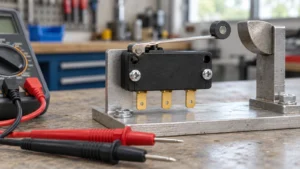
- Manual test: Block dangerous movement, trigger each switch by hand, and verify the state change on the controller screen.
- Software setup: Set input functions, polarity, homing direction, search/latch speeds, and pull-off distance.
- Low-speed jog: Jog slowly toward each switch to confirm smooth triggering and stopping clearance.
- Repeatability check: Run multiple homing cycles and measure variation with a dial indicator. Note that homing repeatability does not guarantee cutting accuracy or high-speed stopping distance.
- Soft limits: Enter travel and soft-limit values, then verify normal jogging stays within bounds.
- Full-speed test: Confirm reliable operation under normal working conditions.

Need help selecting a switch? Contact XURUI engineers with your controller specs, top axis speed, mounting layout, and coolant details.
FAQs
Do You Still Need Physical Limit Switches If Your CNC Uses Soft Limits?
Yes. Soft limits fail if the machine loses steps, has bad settings, or is jogged before homing. Physical switches provide independent backup protection.
What Causes False Limit Switch Triggers During Spindle Operation?
EMI noise from the spindle or VFD, loose terminals, or vibration usually causes false triggers. Run the spindle with the axes parked and watch the input screen. If the signal flickers, fix your cable routing, grounding, or wiring rather than masking the issue with heavy software debounce.
Can Multiple CNC Limit Switches Share a Single Controller Input Pin?
Yes, for mechanical switches: wire NO switches in parallel or NC switches in series. A shared input only receives one combined signal, so your homing routine must support this setup. Do not wire electronic proximity sensors together without checking manufacturer specs.
External Sources
- OMRON: Safety Precautions for Limit Switches
- OMRON: Proximity Sensor Engineering Information
- OMRON: Guide to IP Ratings
- Schneider Electric: IP Protection Levels
- LinuxCNC: Homing Configuration
- Grbl: Wiring Limit Switches