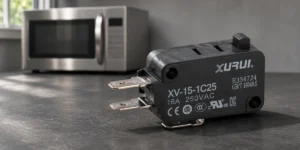
Xurui DIN rail SSR control panel](https://xuruiswitch.com/wp-content/uploads/2026/08/xurui-din-rail-ssr-control-panel-cover.jpg)
A DIN rail mount relay can keep a control panel orderly, but the rail does not decide whether the relay suits the circuit. For power switching, the choice still starts with the load, the control signal, the heat path, and the working conditions inside the enclosure.
This guide focuses on DIN rail mounted solid state relays, or SSRs, for industrial control panels. It helps panel builders and machine teams turn a broad mounting request into a checklist for the exact order code that fits the circuit.
What Does a DIN Rail Mount Relay Mean in a Control Panel?
In a control-panel context, a DIN rail mount relay is a relay package that clips or mounts to the rail used for organized panel hardware. The phrase can describe slim interface modules as well as power SSRs, so the RFQ should state which one the circuit needs. This article covers an SSR that switches a load rather than a low-power interface relay.
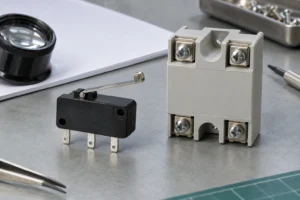
DIN rail SSR mounting and service access](https://xuruiswitch.com/wp-content/uploads/2026/08/din-rail-ssr-mounting-service-access-1024x768.jpg)
A DIN rail format helps with panel layout, wiring routes, and service access. Treat the mounting format as one selection field after the team defines the electrical job.
Which Electrical Checks Choose the Right SSR?
Choose the output type before choosing the package. Then check whether the controller can drive the input and whether the load has a steady and a startup demand that the finished panel can support. The broader SSR selection guide covers the related load, current, heat, and protection checks.
| Check | What to Confirm | Decision It Supports |
|---|---|---|
| Output and supply | AC or DC load, supply range, phase count | Select an output type that matches the circuit |
| Control input | Controller output type, voltage, current, polarity, and off-state behavior | Confirm that the PLC or controller can turn the SSR fully on and fully off |
| Load behavior | Running current, startup current, duty cycle, and resistive or inductive behavior | Check current margin, surge capability, and protection needs |
| Panel conditions | Highest enclosure temperature, airflow, mounting surface, and nearby heat | Confirm the installed thermal limit instead of relying on a nameplate number |
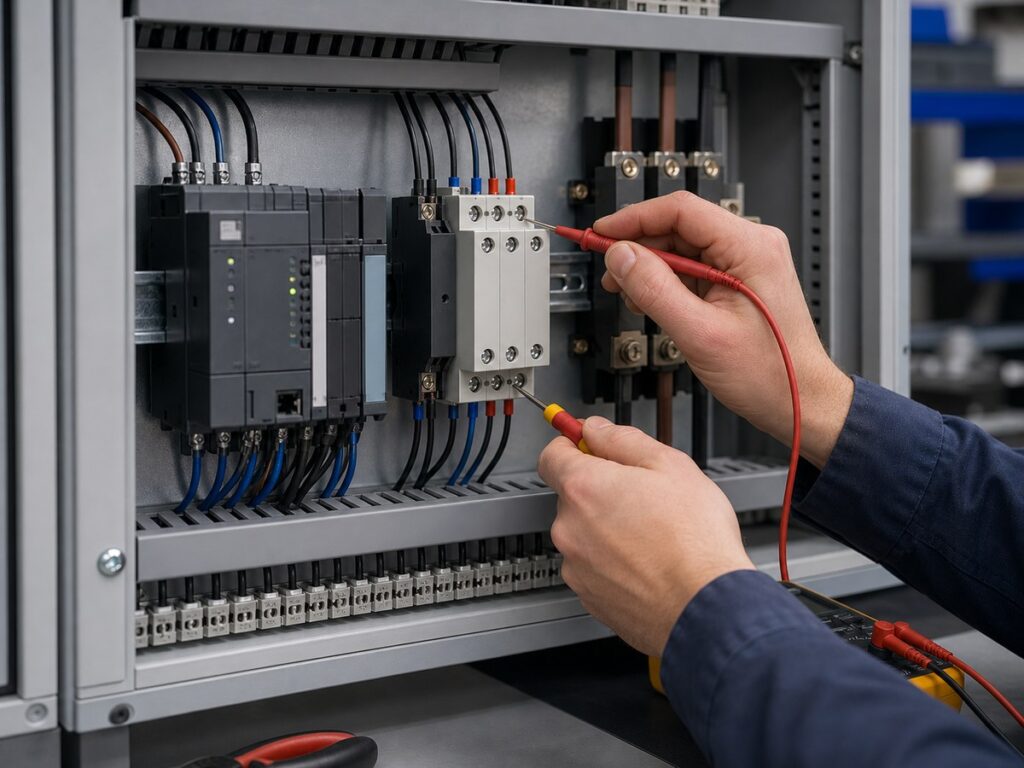
Output Type and Supply
Match the SSR output to the load current type and supply. An AC-output SSR and a DC-output SSR use different switching devices, so do not use an AC model to switch a DC load unless the data sheet permits it. Confirm the supply range and phase arrangement from the exact data sheet before releasing the schematic.
Control Input and PLC Compatibility
The controller must supply an input signal that falls inside the exact SSR’s input requirements. Check output voltage, available current, polarity where applicable, common-reference arrangement, and the controller’s off-state behavior.
Load Current and Startup Stress
Use the real load profile, not the running-current label alone. Startup and transient conditions can differ from normal operation. Compare those conditions with the exact SSR’s permitted load type, current limits, surge information, protection needs, and thermal data.
How Do Heat and Panel Layout Limit an SSR?
The useful current limit belongs to the finished enclosure, not the room outside it. SSR output devices produce heat while conducting, and the available current can fall as the air around the relay gets hotter or the thermal path gets worse.
Real Enclosure Temperature
Base the thermal check on the highest air temperature at the SSR location. Record the load duty cycle, nearby heat sources, airflow, and the conditions that occur after the panel has been running. A rating printed on a relay is not a substitute for the exact series derating information under those installed conditions.
Thermal Path and Adjacent Devices
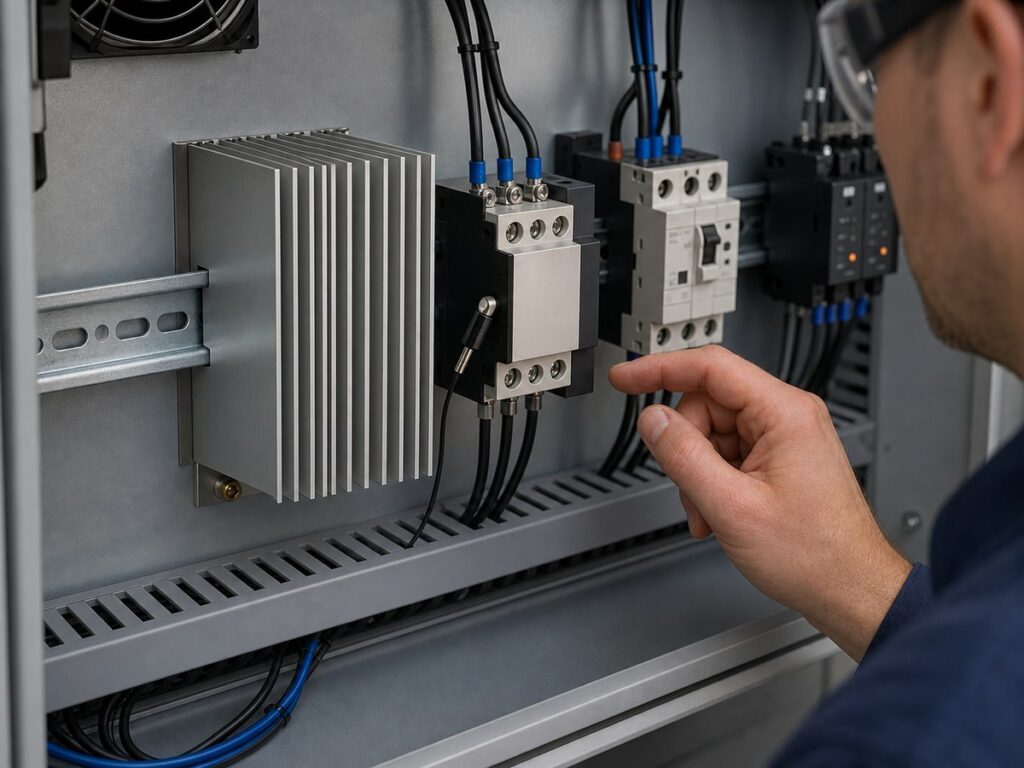
Confirm the required heat sink or mounting arrangement for the exact SSR, then check the contact surface, interface material, mounting method, and access to cooling air. Rail mounting does not turn the rail into a universal heat sink. The related SSR heat-sink requirements help frame that thermal check before the team releases the panel layout.
What Does the DIN Rail Mounting Change?
DIN rail mounting can shorten installation time and make component placement easier to read, but it adds mechanical checks that a bare electrical schedule does not show. Review the installed assembly, not the relay footprint alone.
Rail Fit and Service Access
Confirm the rail type, mounting method, retained position, and removal path. The relay should remain reachable after the team installs adjacent devices, wire duct, covers, and labels. A part that fits on the rail can still be difficult to replace if the released panel drawing leaves no hand or tool access.
Terminal and Clearance Checks
Check terminal direction, wire bend space, insulation sleeves, finger-safe covers where required, and the heat-sink envelope if the selected SSR uses one. Keep the actual connector and cable arrangement in the layout review. Two relays with similar current labels can require different clearance or thermal space.
Which Xurui DIN Rail SSR Fits the Circuit?
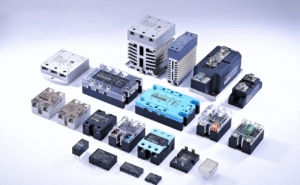
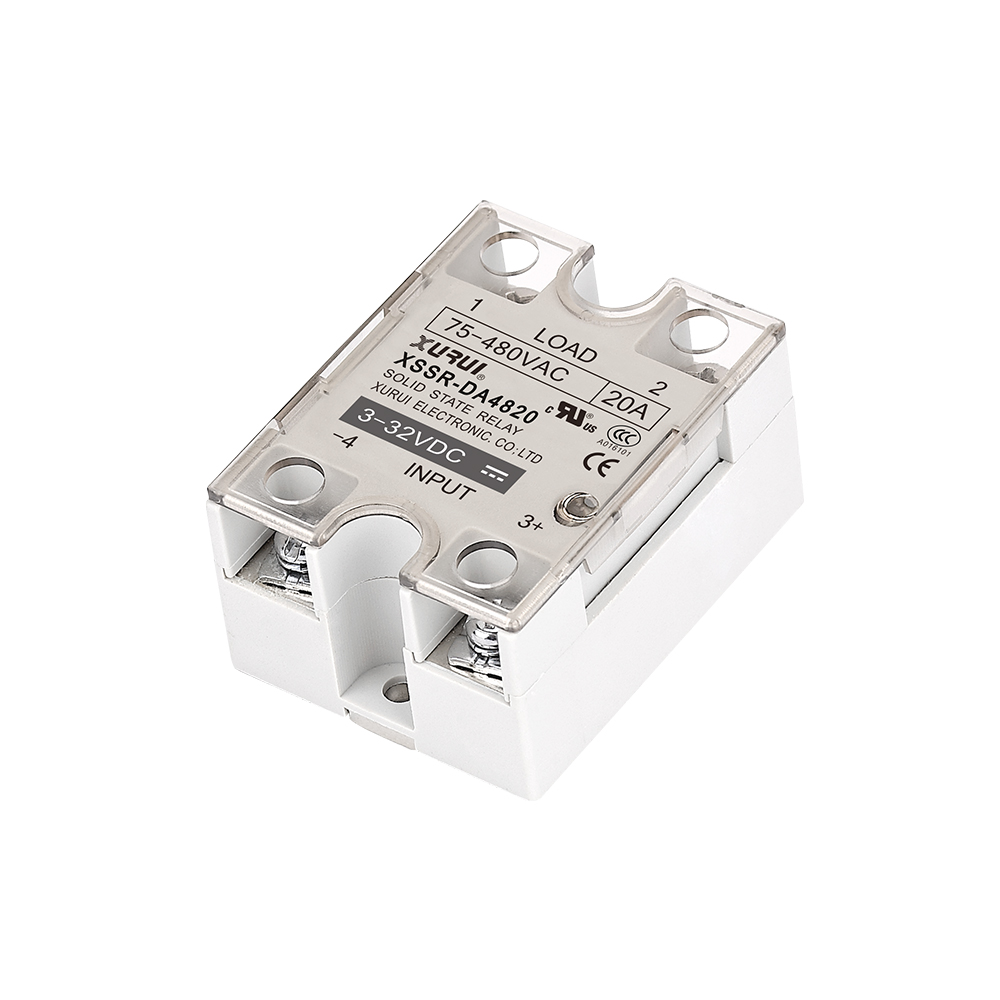
Select the Xurui series after the circuit and panel checks point to a DIN rail format. Xurui lists the XSSR-H series as a modular DIN rail mounted single-phase AC SSR and the XSSR-3H series as a DIN rail mounted three-phase integrated AC SSR. Both series remain shortlisting options until the team confirms the exact order code, load, control input, thermal arrangement, and required documentation.
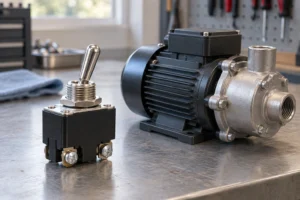
Xurui DIN rail SSR family selection](https://xuruiswitch.com/wp-content/uploads/2026/08/xurui-din-rail-ssr-family-selection-1024x768.jpg)
Single Phase AC On-Off Control
Start with the XSSR-H series when the design needs a single-phase AC solid-state switching package on a DIN rail. Confirm the exact control input, load-voltage range, current limit, trigger behavior, thermal requirements, and applicable approvals before approval for production.
Three Phase AC Control
Start with the XSSR-3H series when the design needs an integrated DIN rail mounted three-phase AC SSR. Confirm the phase arrangement, load behavior, phase protection plan, cabinet temperature, and independent power-removal path. Do not use the package name to infer a motor, heater, certification, or current rating that the specific order code does not document.
What Should a Control Panel RFQ Include?
A useful RFQ gives the supplier enough information to identify the right series and flag open checks. Use the Xurui solid state relay range to narrow the family, then send the panel conditions with the electrical details, not as an afterthought.
- Load type, supply, phase, running current, and startup current
- Controller output type, voltage, current, polarity, and SSR input count
- Duty cycle and switching mode
- Peak enclosure temperature, airflow, and heat-sink space
- Rail position, terminal access, and wire clearance
- Required approvals, data sheets, drawings, and samples
FAQs
Can a DIN Rail SSR Serve as the Only Safety Disconnect?
No. An SSR can have off-state leakage and may fail with its output conducting, so it should not be the sole means of isolating equipment for service or a safety stop. Use the disconnecting and safety-control method required by the machine design, risk assessment, and applicable rules, then verify absence of voltage before work begins.
Can One PLC Output Drive More Than One DIN Rail SSR?
A PLC output can drive more than one DIN rail SSR if it can supply the combined input demand and still release every SSR. Check each exact SSR’s input range and current, the PLC output rating, polarity or common reference, and any off-state leakage. If the output is close to its limit, use a suitable interposing device or revise the control design.
Why Can an Off SSR Make a Small LED Load Glow?
An SSR can pass a small off-state current through its semiconductor output and any internal suppression components. A sensitive LED driver or indicator can react to that current even when the SSR has no on command. Compare the exact SSR’s published off-state leakage limit with the load’s reset threshold before choosing a load-side correction, as covered in this AC SSR off-state leakage guide.
Is a DIN Rail SSR a Good Choice for a Motor or Transformer?
Not by mounting format alone. For a motor or transformer, use the equipment’s control and safety design to decide whether an SSR should switch the load or command a contactor. The rail package does not answer that circuit-architecture question.
Does DIN Rail Mounting Prove a Specific Approval or Current Rating?
No. Mounting format does not prove a current rating, approval, IP classification, or installation limit. Ask for the exact order code and its current data sheet, then confirm the rating and approval scope against the target market and the finished panel design. For an order-code review or quotation, send the application details to Xurui Switch.
XURUI Engineering Team