
If you’re supporting a student with limited mobility or communication challenges, understanding this small but powerful device can make a big difference. This guide explains what micro switches are, how they’re used in special education, the types available, and how to choose the right one for your classroom or care setting.
Quick Comparison: Micro Switch vs. Standard Switch
| Feature | Micro Switch | Standard Switch |
| Activation Force | Very low (touch, blink, pressure) | Moderate (requires hand or finger force) |
| Response Time | Extremely fast (milliseconds) | Standard mechanical delay |
| Use in Special Education | Ideal for students with limited mobility | Often inaccessible for motor-impaired |
| Integration | Easily connects with AAC/assistive tools | Limited or requires adapters |
Understanding The Role Of Micro Switches In Special Education
Micro switches in special education aren’t just tech jargon—they’re essential tools that help students with physical or cognitive challenges interact with the world around them.
Empowering Access Through Tiny Inputs
Micro switches are small, sensitive switches that respond to minimal physical input—like a light touch, a blink, or even a puff of air. For students who can’t use traditional keyboards or buttons due to limited mobility or muscle control, these switches provide a new way to:
- Communicate via speech-generating devices (SGDs)
- Control educational software
- Interact with toys or appliances
- Participate more fully in classroom activities
This technology helps transform passive learning into active engagement.
Types Of Micro Switches And How They’re Used
Not all micro switches are the same. Different students require different switch types depending on their physical and sensory abilities.
| Switch Type | How It Works | Best For |
| Touch Switch | Activates with a light touch | Students with limited strength but good control |
| Sip-and-Puff | Activated by inhaling or exhaling | Students with high spinal cord injuries |
| Eye Blink Switch | Uses blink detection sensors | Students with minimal mobility |
| Head Switch | Responds to head movements | Students with limited hand control |
| Foot or Elbow | Activated by alternative body part movements | Students with partial mobility |
How To Choose The Right Micro Switch Setup
Choosing a micro switch setup isn’t one-size-fits-all. It requires understanding the student’s needs, capabilities, and educational goals.
Step-By-Step Selection Guide
- Assess Physical Ability
Work with a therapist or occupational specialist to evaluate what kind of physical movement (touch, puff, blink, etc.) the student can consistently perform. - Define The Purpose
Is the switch for communication, gaming, controlling a tablet, or classroom interaction? Different uses may require different sensitivities and interfaces. - Check Compatibility
Make sure the switch works with the device you’re connecting it to—whether it’s an AAC device, tablet, or PC. Many switches require adapters or specific ports. - Start With Trials
Use demo units if available. Let the student test several types before committing. - Adjust And Reassess
Needs change over time. Reevaluate the setup regularly to ensure it still supports growth and participation.
Practical Tips For Educators And Caregivers
- Simplify the Environment: Mount the switch within easy reach and reduce distractions around it.
- Use Visual or Audio Feedback: Students often perform better when they see or hear that the switch worked.
- Train Staff and Peers: Everyone interacting with the student should understand how the switch works and how to support its use.
- Create Meaningful Activities: Use the switch in games, group activities, or storytelling to keep learning fun and motivating.
From Classrooms To Control Panels: Micro Switches Beyond Special Education
Micro switches are widely recognized for their versatility—not only in special education but also across many technical and industrial fields. Understanding this broader context can help you appreciate just how adaptable and dependable these small components really are.
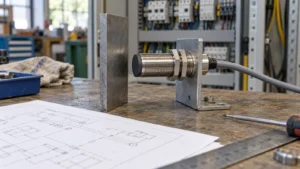
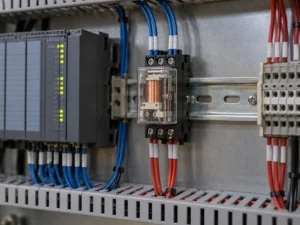
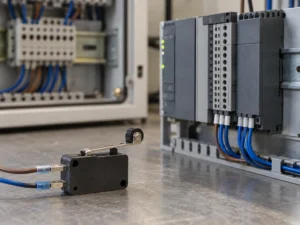
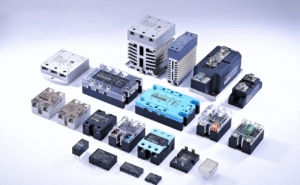
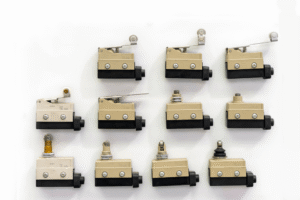
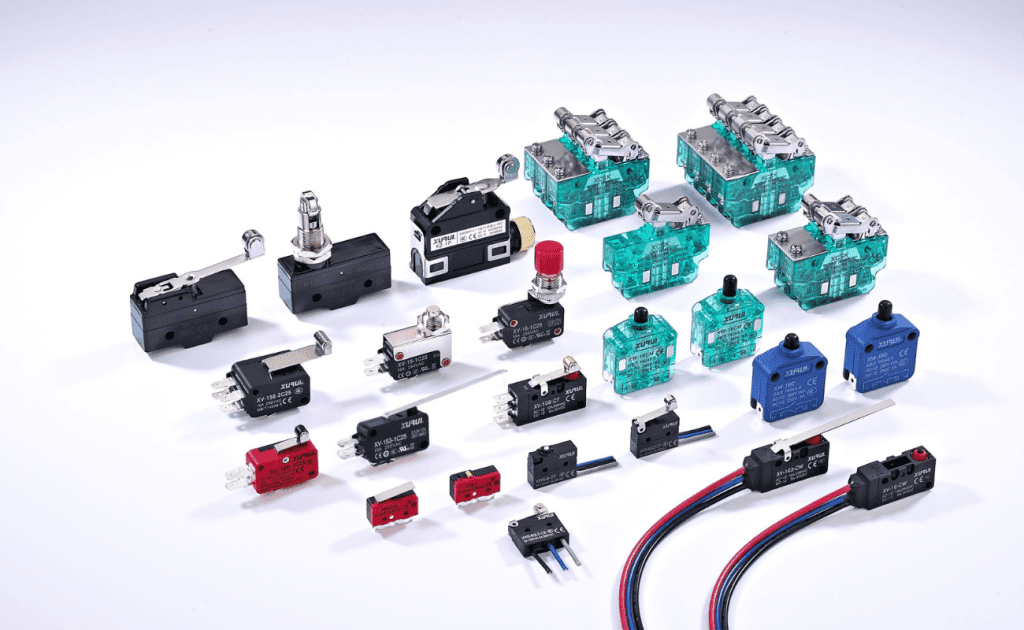
For example, in industrial and automation settings, micro switches are widely used in appliances, safety systems, and control panels. These snap-action switches are valued for their durability, precision, and ability to respond quickly under demanding conditions.
While the context is different, both educational and industrial applications rely on the same fundamental strength: responsive and reliable switching technology that enables interaction, control, and safety.
Related Reading: How to Tell If a Micro Switch Is Bad or Faulty in Quality?
Final Thoughts: Small Switch, Big Impact
Micro switches may be physically small, but their impact in special education is massive. By giving students a way to express themselves, participate, and take control, these devices help level the playing field in a way few other tools can.
Whether you’re a teacher, parent, or therapist, understanding how to choose and use the right micro switch can open new doors for learning, confidence, and independence.